****JavaScript based drop down DHTML menu generated by NavStudio. (OpenCube Inc. - http://www.opencube.com)****
ESC Screen Images
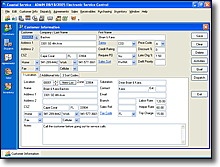
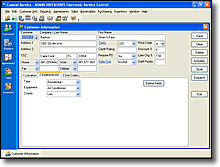
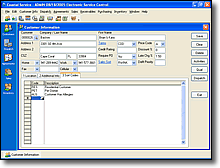
Customer Information
The screenshots below show ESC's Customer Entry screen.
Click on image to enlarge
Click on image to enlarge
Click on image to enlarge
Dispatching & Mapping
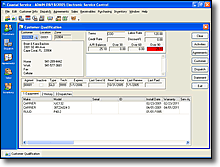
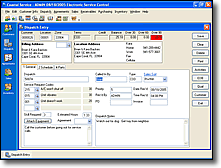
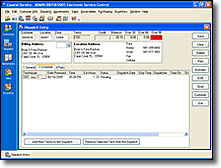
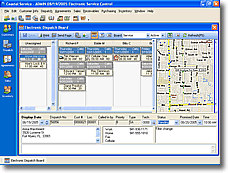
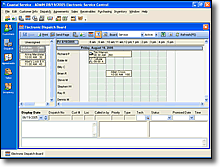
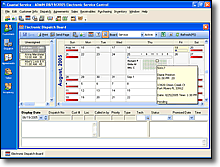
The screenshots below show ESC Qualification Screen, Dispatch Entry, and Electronic Dispatch Board with Mapping.
Click on image to enlarge
Click on image to enlarge
Click on image to enlarge
Click on image to enlarge
Click on image to enlarge
Click on image to enlarge
Equipment
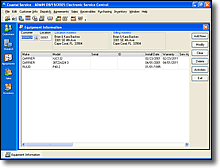
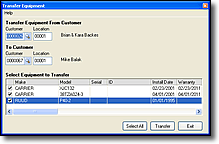
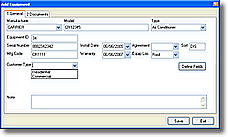
The screenshots below show ESC's Equipment Entry and Transfer Equipment screens.
Click on image to enlarge
Click on image to enlarge
Click on image to enlarge
Service History
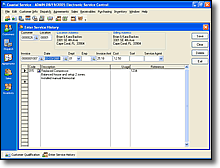
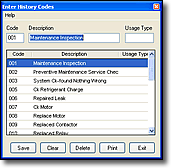
The screenshots below show ESC's Service History Entry screen and Service History Codes screen.
Click on image to enlarge
Click on image to enlarge
Sales
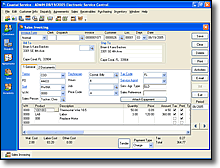
The screenshot below is ESC's Sales Invoicing screen.
Click on image to enlarge
Purchasing
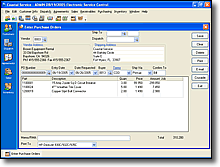
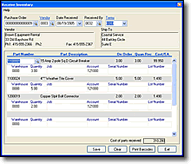
Below are screenshots of ESC's Purchasing and Receive Inventory screens.
Click on image to enlarge
Click on image to enlarge
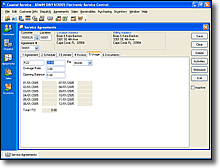
Service Agreements
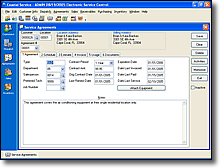
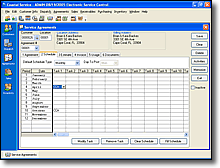
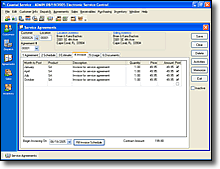
Below are screenshots of ESC's various Service Agreement setup screens.
Click on image to enlarge
Click on image to enlarge
Click on image to enlarge
Click on image to enlarge
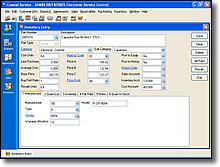
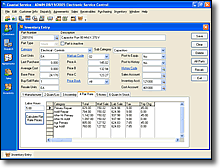
Inventory
Below are screenshots of ESC's various inventory management screens.
Click on image to enlarge
Click on image to enlarge
3-Minute Presentation of ESC in Day-to-Day Use
Try ESC Without Downloading or Installing
Download & Install Free 30-Day Trial
View Detailed Pricing and Feature Information



 Customer Information